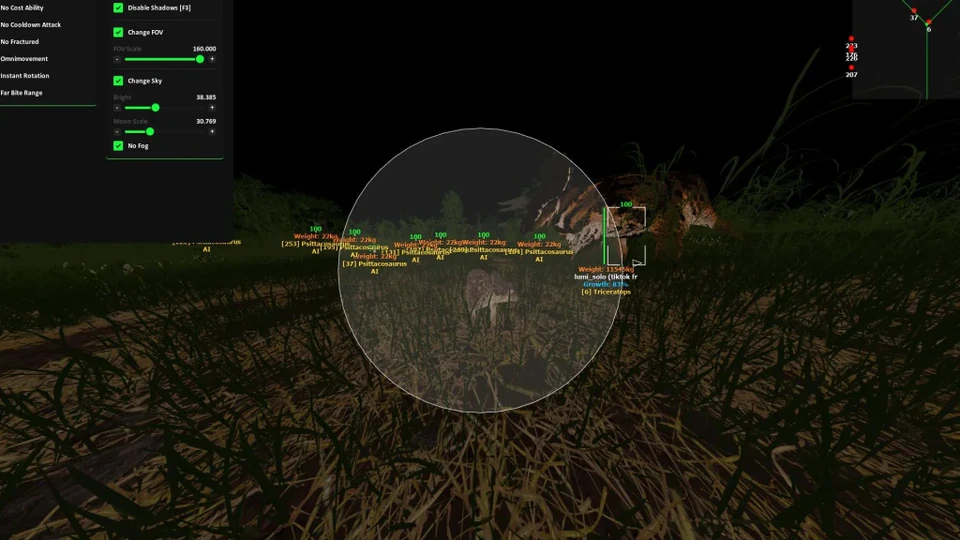
How to Buy The Isle Cheats in 2026
Step-by-step guide to buy The Isle cheats — pick Lite, Pro or Elite, complete checkout, download the loader and verify status.
Buying The Isle cheats in 2026 is a short path: pick a tier, finish partner checkout, open the portal and download the latest Windows loader. This walkthrough covers the exact order so you do not launch an outdated build after payment.
Step 1 — Pick Lite, Pro or Elite
Use Lite vs Pro if you are unsure. Vision-only buyers start on Lite. Hunters who want Bite Assist choose Pro. Full-suite operators go Elite.
Step 2 — Check live status
Read the status banner on theisle-cheats.com and Discord #status. If the build shows updating or offline, wait. Paying during a red banner is how people waste their first night.
Step 3 — Checkout and portal access
Start checkout from the product page. After payment, the partner portal unlocks the loader, setup guide and config library. Keep the order email handy for support tickets.
Step 4 — Install, preset, verify
- Download the latest loader from the portal
- Load an Official or Community preset before custom sliders
- Test ESP or bite assist in a practice session
- Only then queue Official on Steam
Need HWID tools after a hardware ban? Read HWID spoofer vs new account before you buy utilities.