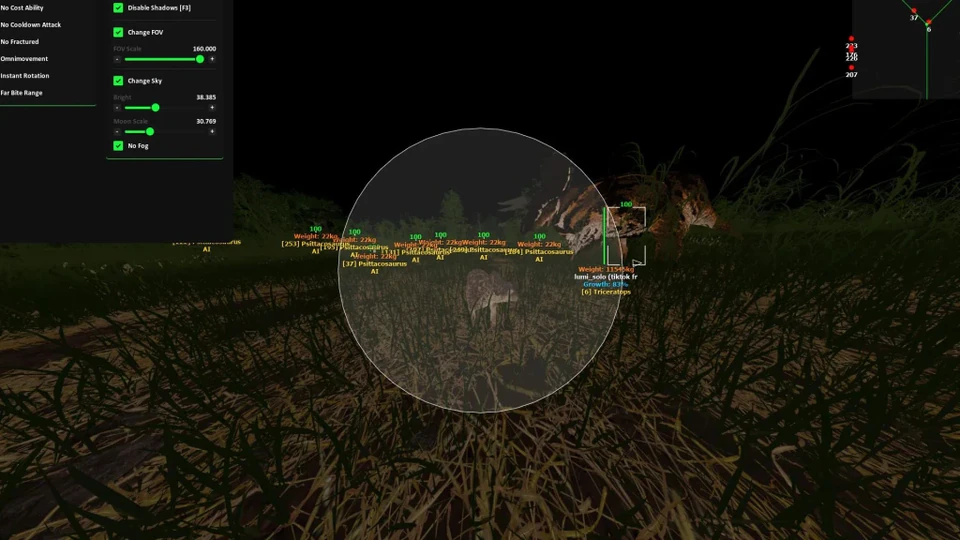
The Isle Bite Assist for Official: Smooth Presets That Stick
Tune The Isle bite assist for Official EVRIMA and Legacy — smoothness, FOV, Sticky Target and Hit Priority without obvious snaps.
Bite assist for Official is a Pro-tier module. The goal is humanized bite tracking through grass and charge animations — not instant locks that look automated in deathcams. This guide covers Official-safe presets for Steam The Isle.
Smoothness before FOV
Raise smoothness first so the camera eases onto bone priority. Wide FOV with zero smoothness creates snappy arcs that other players notice. Moderate FOV plus high smoothness wins more long sessions than max aggression day one.
Sticky Target and Hit Priority
Sticky Target keeps aim on the dinosaur you committed to during a pack fight. Hit Priority prefers low-HP or closest bones so finish bites land cleaner. Disable sticky when you need free look while nesting or drinking.
Species profiles
Save separate profiles for carnivore chase, herbivore defense and apex duels. Hotkey swap between them without reopening the loader. Detailed per-species examples live in the bite assist combat guide.
Verify before you queue Official
- Load the portal Official preset, not a max-slider export
- Run a Community or practice session for ten minutes
- Confirm loader status after patches
- Lower aggression if bites look robotic in replays