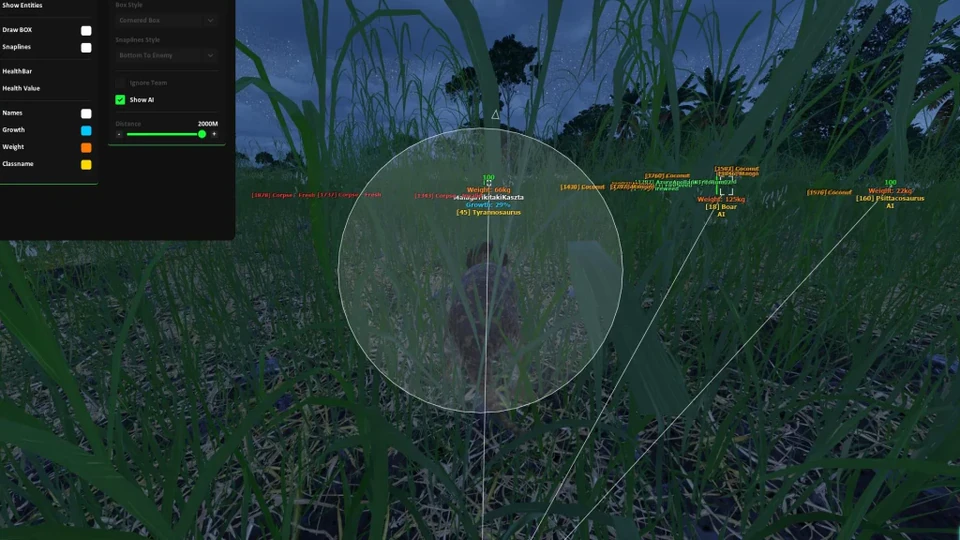
Stream-Proof The Isle Cheat Overlay Setup for OBS
Hide The Isle ESP and bite assist from OBS and Game Bar — stream-proof test workflow so your monitor shows overlays and capture stays clean.
Stream-proof mode shows ESP and Bite Assist on your monitor while OBS, Game Bar or a capture card records a clean game feed. Test every loader update — do not assume last month’s setting still holds.
Enable per module
Turn stream-proof on for ESP, radar and assist separately if the portal allows. Some cosmetic previews need a separate check — see Appearance Changer.
OBS test workflow
- Start game capture or window capture
- Enable a bright ESP box on your screen
- Confirm the OBS preview stays clean
- Record ten seconds and review the file, not only the preview
Discord and Game Bar
Test Discord screen share and Windows Game Bar clips the same way. If either leaks overlays, retoggle stream-proof or switch capture method.
Where it ships
Stream-proof is part of the Lite vision stack and carries through Pro and Elite. Start on Lite if you only need ESP for content.